

SmilePay.
Azerbaijan’s first face-recognition payment experience.
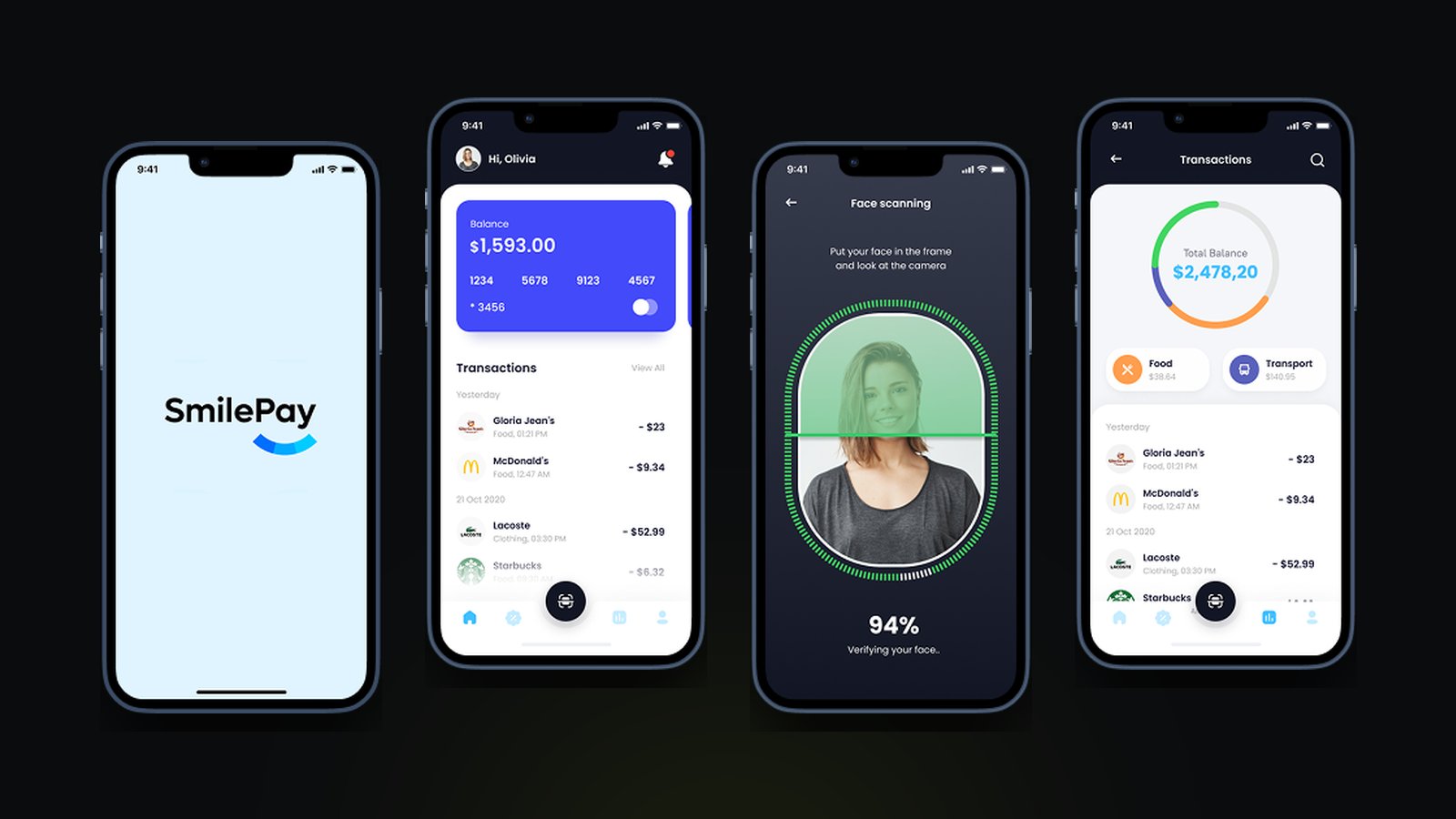
SmilePay’s mobile app, designed from scratch to guide users through registration, face setup and getting ready to pay.
Challenge
Biometric payment was new in Azerbaijan. People had to understand it, trust it and get through face recognition and identity checks without friction, in a product with nothing similar to learn from.
What I did
Designed the mobile app from scratch: onboarding, registration, identity verification and face payment, with biometric authentication built into simple flows, and prototypes shared with development.
Impact
The first version of a biometric payment app, with the core registration and payment flows in place, a simple, modern experience for a new technology, and a design foundation that can grow.
01
The problem
Face payment was a new technology for people in Azerbaijan, so onboarding had to make it easy to accept. Face recognition, identity verification and payment are complex processes that needed to become simple, intuitive flows. Security requirements couldn't be relaxed, yet the product had to earn people's trust, and with no existing equivalent every core flow had to be designed from zero.
Constraints
- New technology for the market
- No existing products to learn from
- Security and identity requirements
- Trust in biometric data
- A structure that can grow
02
Goals
Business goals
- Launch the first version of a biometric payment app
- Make a new technology easy to adopt
- Build a design structure for the product's next stages
User goals
- Understand how face payment works before trying it
- Register and verify identity without friction
- Pay quickly and feel safe doing it
03
Discovery
- Insight 01
Onboarding sells the technology
For a technology people hadn't used before, the first screens had to explain it and make it feel safe, not just collect details.
- Insight 02
Show the scan, build the trust
Clear framing and live progress during face scanning turn an uncertain moment into a visible, reassuring one.
- Insight 03
Security without friction
Biometric checks were built into the flow step by step, so security requirements didn't turn into obstacles.
04
The solution
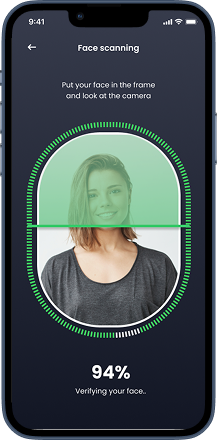
Face scanning that explains itself
A clear frame, simple instructions and live verification progress, so people always know what the camera is doing and how close they are.
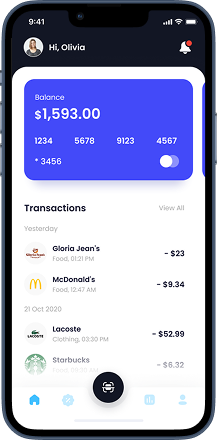
Balance and payments at a glance
The home screen shows the balance, the card and recent payments, with face payment always one tap away in the centre of the navigation.
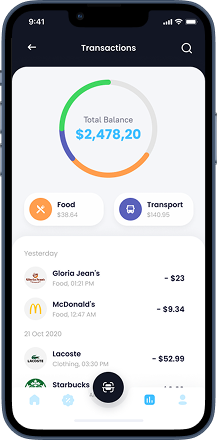
Spending, made clear
Transactions grouped by day with a breakdown by category, so people can see where their money goes.