

Whelp.
Many channels. One connected support experience.
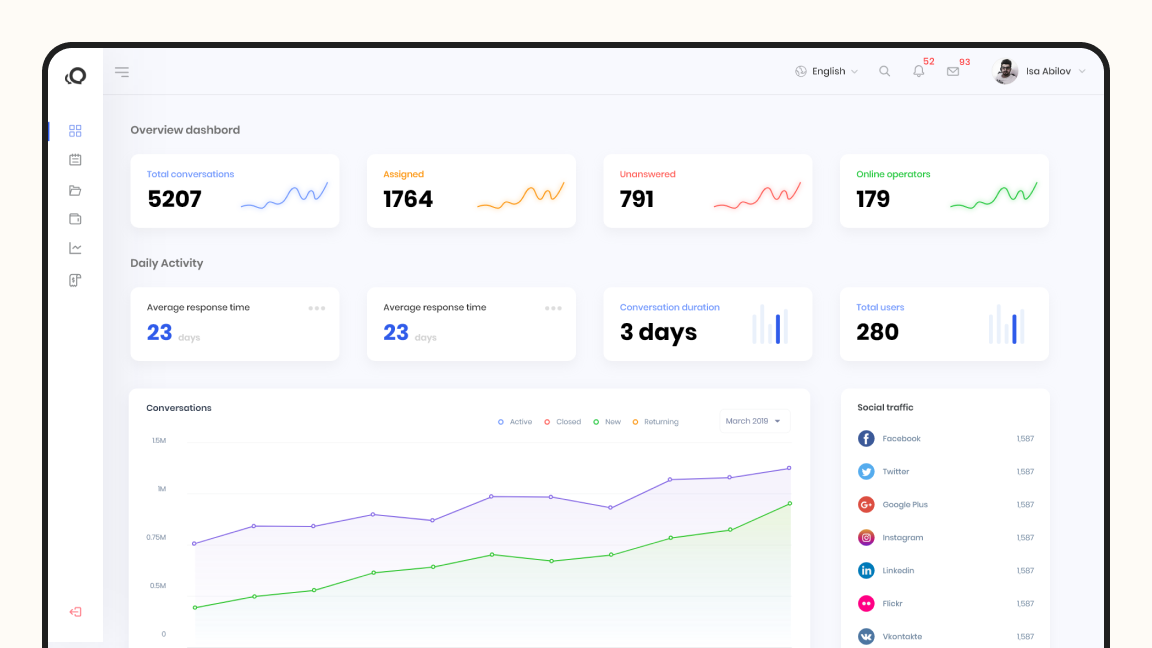
Whelp brings customer conversations from messaging apps, email and live chat into one workspace. The product design connects conversations, customer context and team workflows, giving support agents a clear view of the customer and the task at hand.
Challenge
Bring conversations, customer information and support actions into one interface without overwhelming the people using it.
What I did
Product interface design for Whelp, with a focus on screen structure, visual hierarchy and connected support workflows.
Impact
A unified workspace that keeps customer conversations central, with the information and tools to manage them close at hand.
01
Context
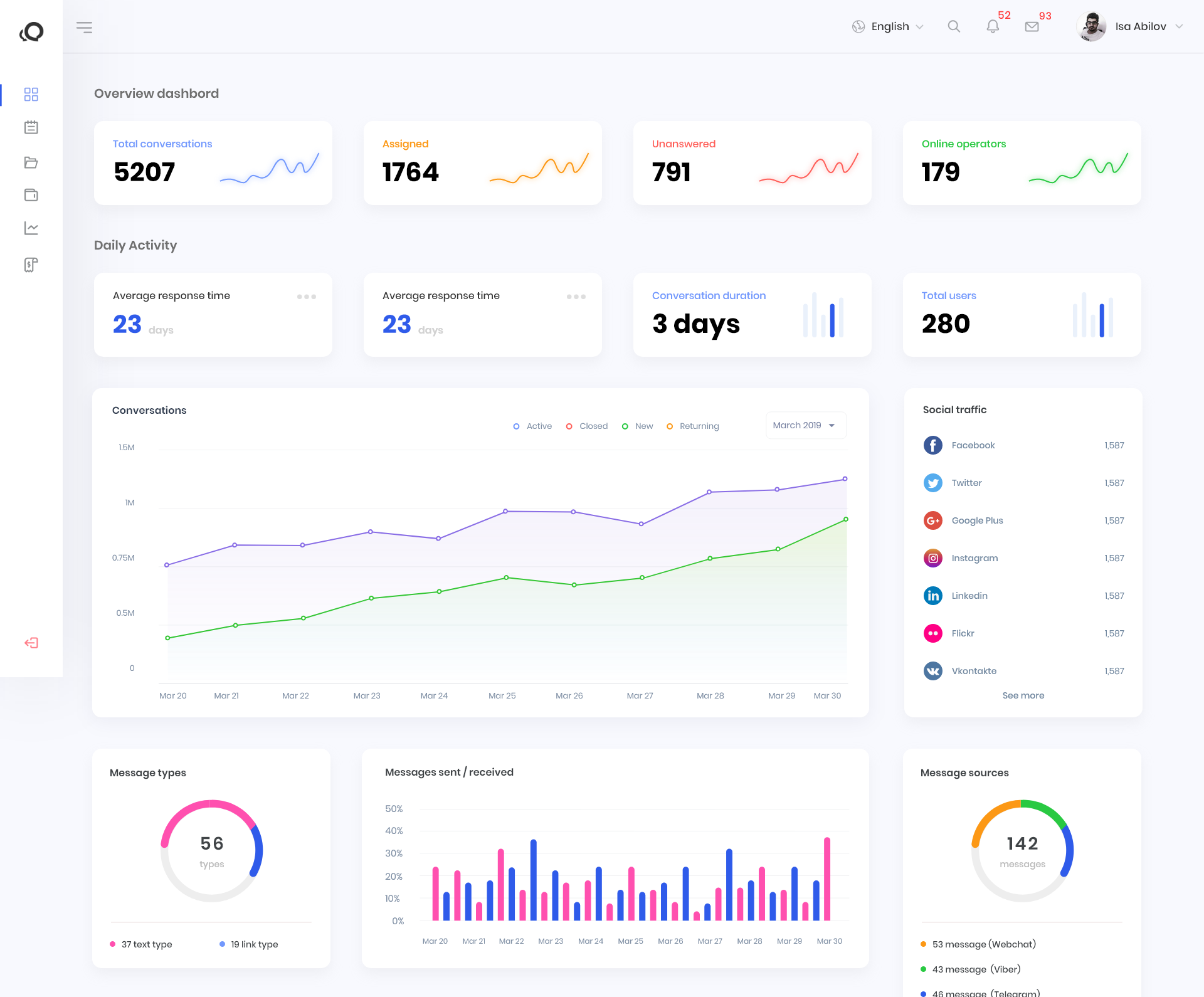
Whelp is a customer communication platform that brings messages from different channels into one inbox. Support teams can follow conversations, access customer details and coordinate responses without losing the context of an ongoing request.
02
The problem
Support agents need to follow a conversation, understand the customer and decide what to do next. Bringing messages from different channels into one inbox was only part of the challenge. The interface also needed to make customer details, conversation status and support actions easy to find without crowding the workspace.
Constraints
- Multiple channels — Conversations in one inbox
- Customer context — Details alongside messages
- Team coordination — Ownership and handoffs
- Information density — Tools without visual clutter
- Conversation status — Clear priorities and next steps
03
The solution
A straightforward way in.
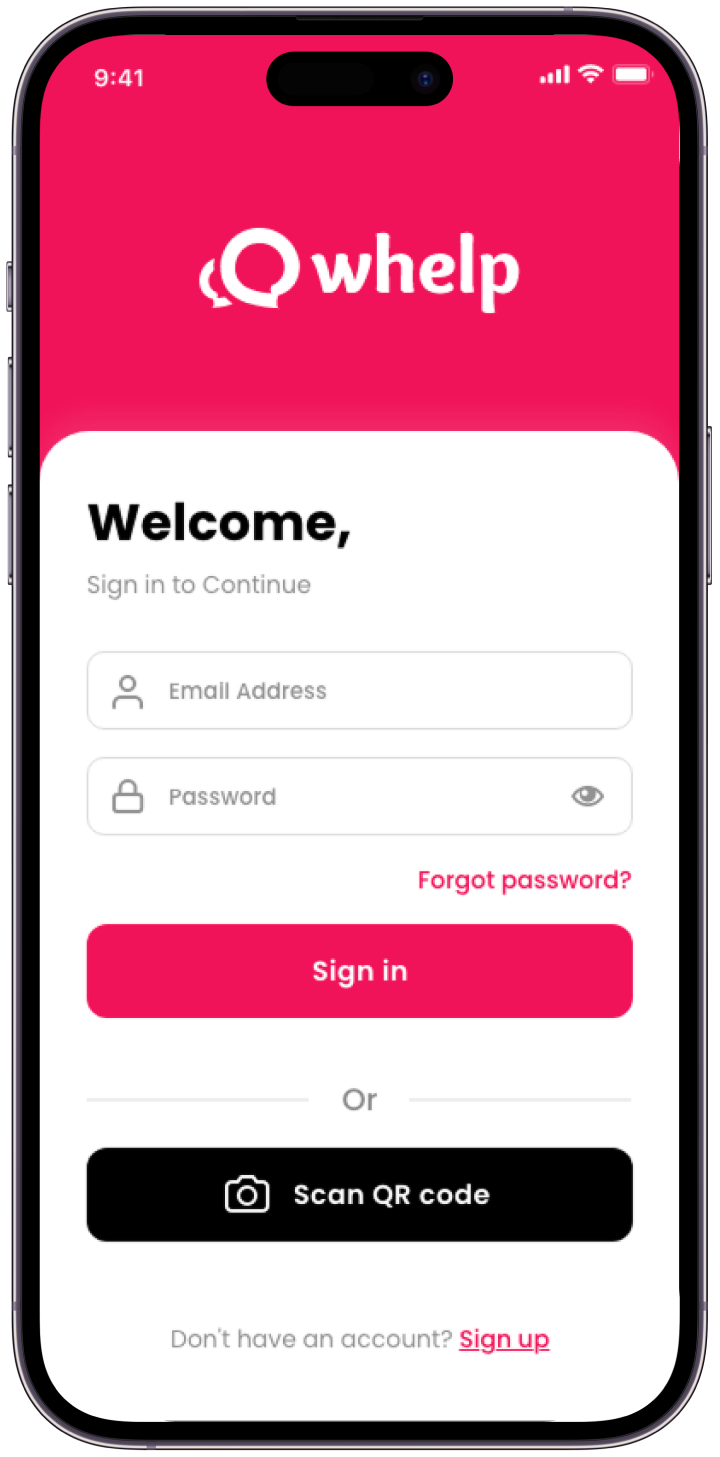
A focused sign-in screen with email and password access, password recovery and an alternative QR-code entry point.
The inbox at a glance.
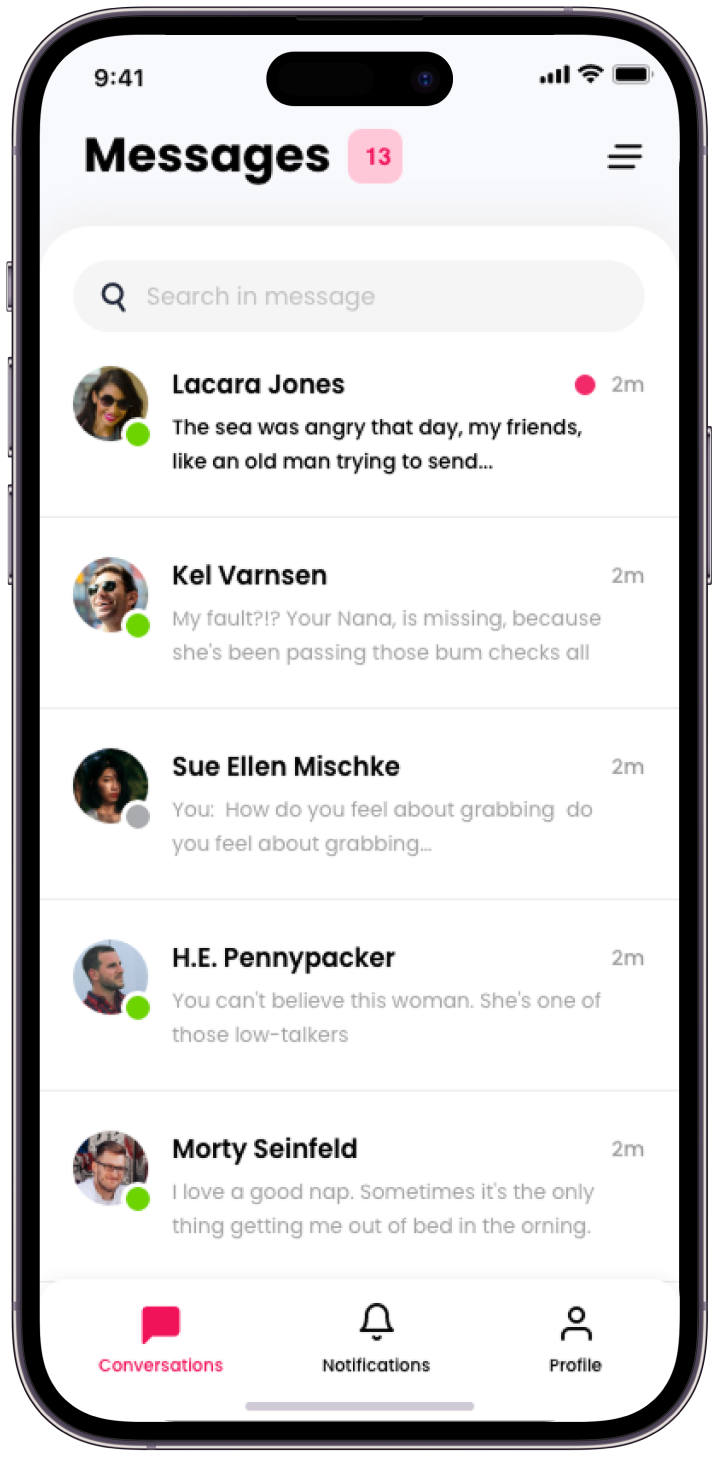
Message previews, unread indicators and recent activity help agents scan conversations, while search provides a direct route to a specific exchange.
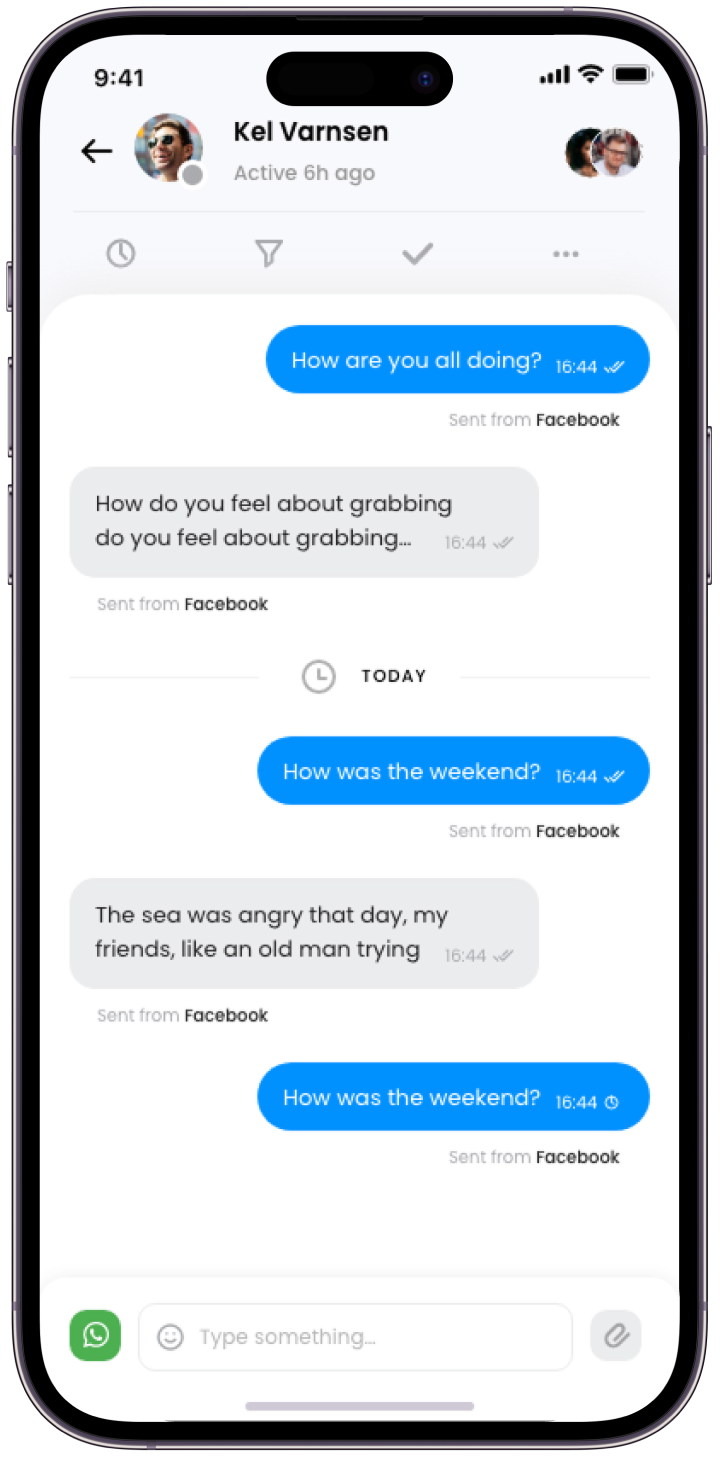
A clear view of every conversation.
Messages, timestamps and delivery indicators keep the exchange easy to follow, with conversation actions and team participants within reach.
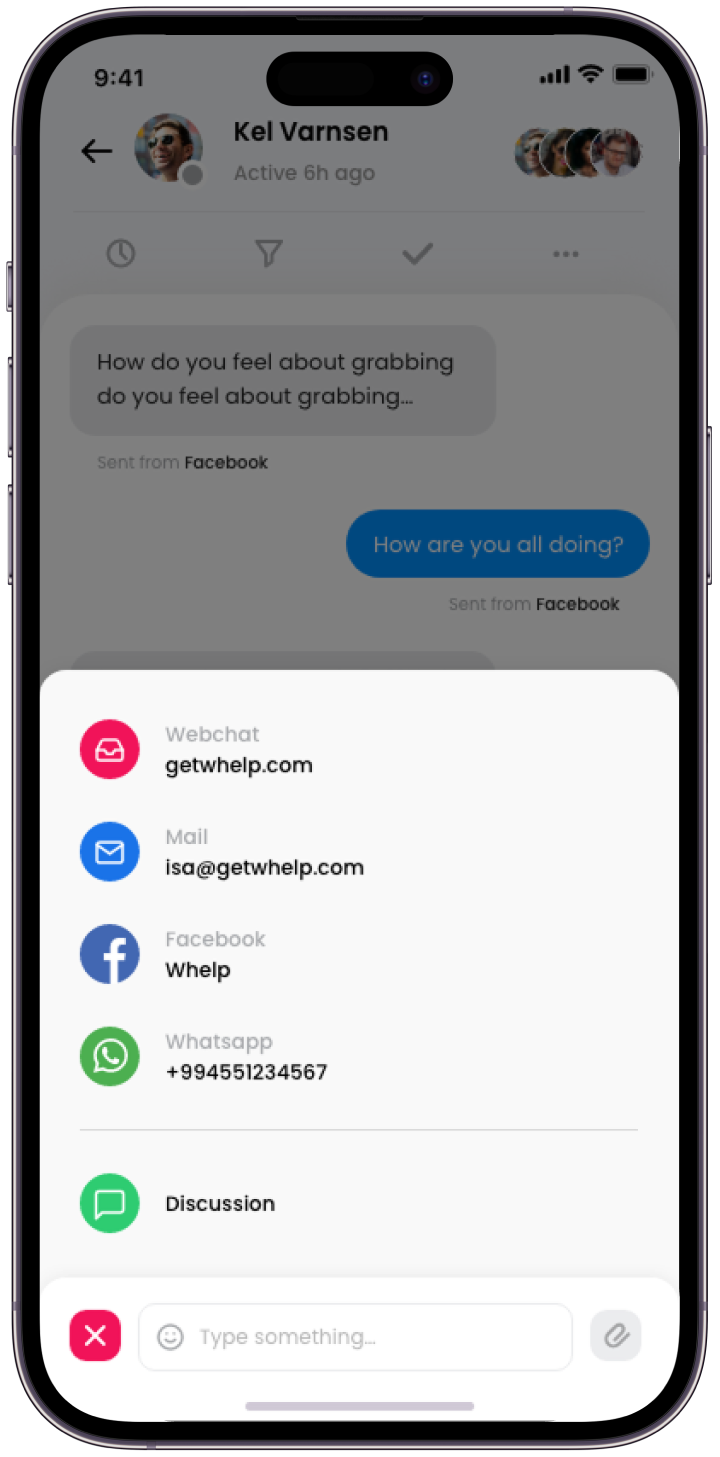
Choose the channel. Keep the context.
Webchat, email, Facebook and WhatsApp are available directly within the conversation, keeping channel selection close to the reply field.
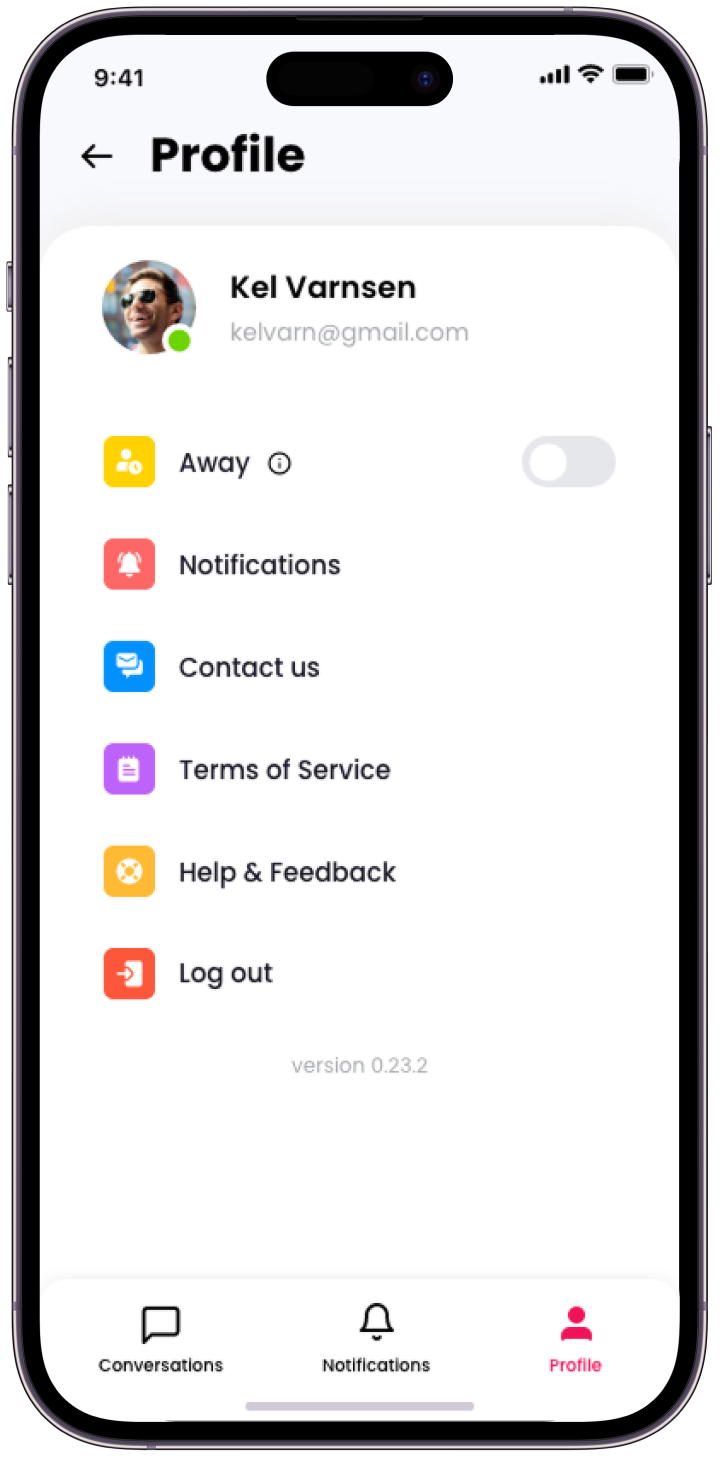
Personal settings, within reach.
Availability, notifications and support options sit together in a simple profile screen, keeping everyday account controls easy to find.